Modern React components and hooks for HERE Maps Platform integration.
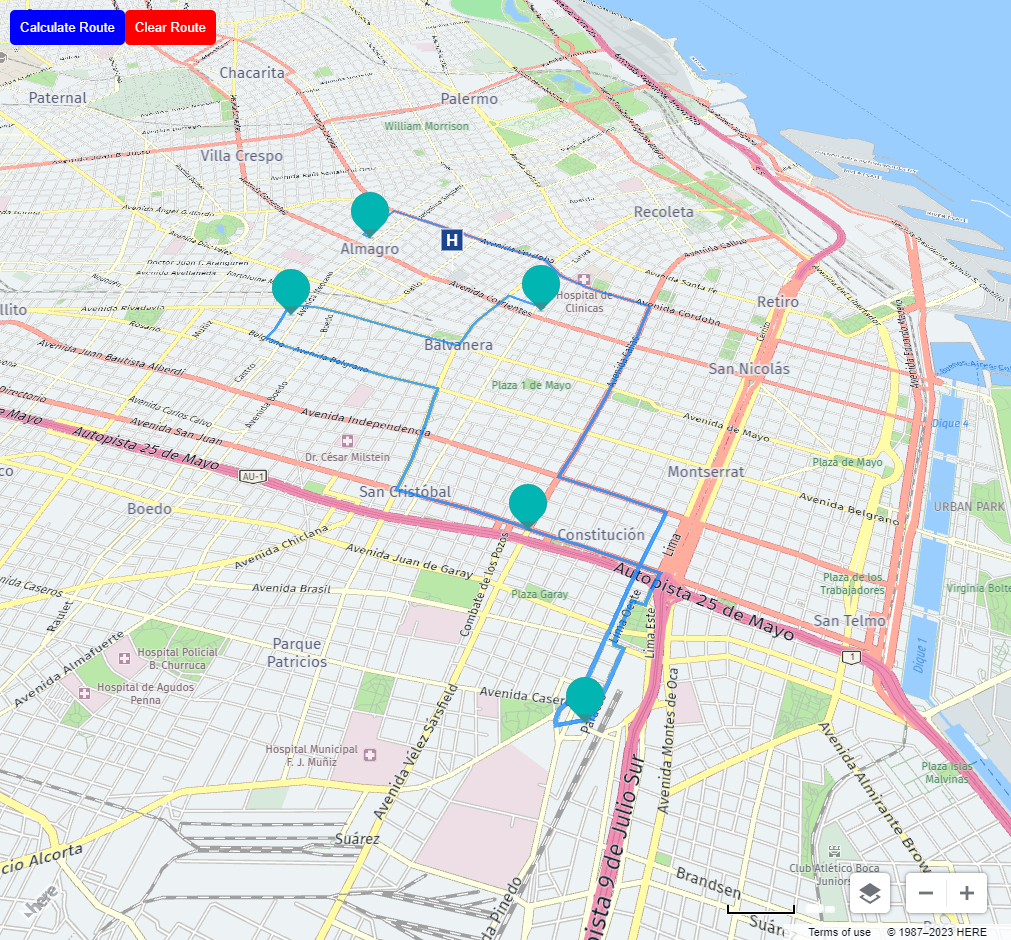
Documentation | Demo | npm
First, you need to include the HERE Maps API for JavaScript CSS in your HTML file.
<!DOCTYPE html>
<html lang="en">
  <head>
    <link rel="stylesheet" type="text/css" href="https://js.api.here.com/v3/3.1/mapsjs-ui.css" />
  </head>
  <body>
    ...
  </body>
</html>
# First add to .npmrc
@here:registry=https://repo.platform.here.com/artifactory/api/npm/maps-api-for-javascript/# Then install @rodrito/react-here-maps with your favorite package manager
npm install @rodrito/react-here-maps
# or
yarn add @rodrito/react-here-maps
# or
pnpm add @rodrito/react-here-mapsTo use @rodrito/react-here-maps, you will need to obtain an API key from HERE Maps. You can sign up for a free account and obtain an API key here.
https://developer.here.com/tutorials/getting-here-credentials/
import { HereMap } from '@rodrito/react-here-maps';

const App = () => {
  return (
    <div style={{ height: "100vh", width: "100vw" }}>
      <HereMap
        apikey={"YOUR_API_KEY"}
        options={{
          center: { lat: -34.603722, lng: -58.401592 },
          zoom: 12,
        }}
      >
      {/* Markers, Polylines and stuff */}
      </HereMap>
    </div>
  );
};The complete documentation is available at https://rodrito.mintlify.app/
The documentation is built with Mintlify and includes:
- Component API reference
- Usage guides and examples
- TypeScript support guide
- Interactive examples
You can also run the documentation locally:
pnpm run:docs- ✅ HereMap - Main map container
- ✅ Marker - Map markers with drag support
- ✅ Polyline - Draw lines on the map
- ✅ Polygon - Draw polygons with holes
- ✅ ZoomControl - Zoom controls
- ✅ ScaleBar - Distance scale
- ✅ MapSettings - Map configuration controls
See TODO.md for planned features and improvements.