


Add Focus Mode to Obsidian.
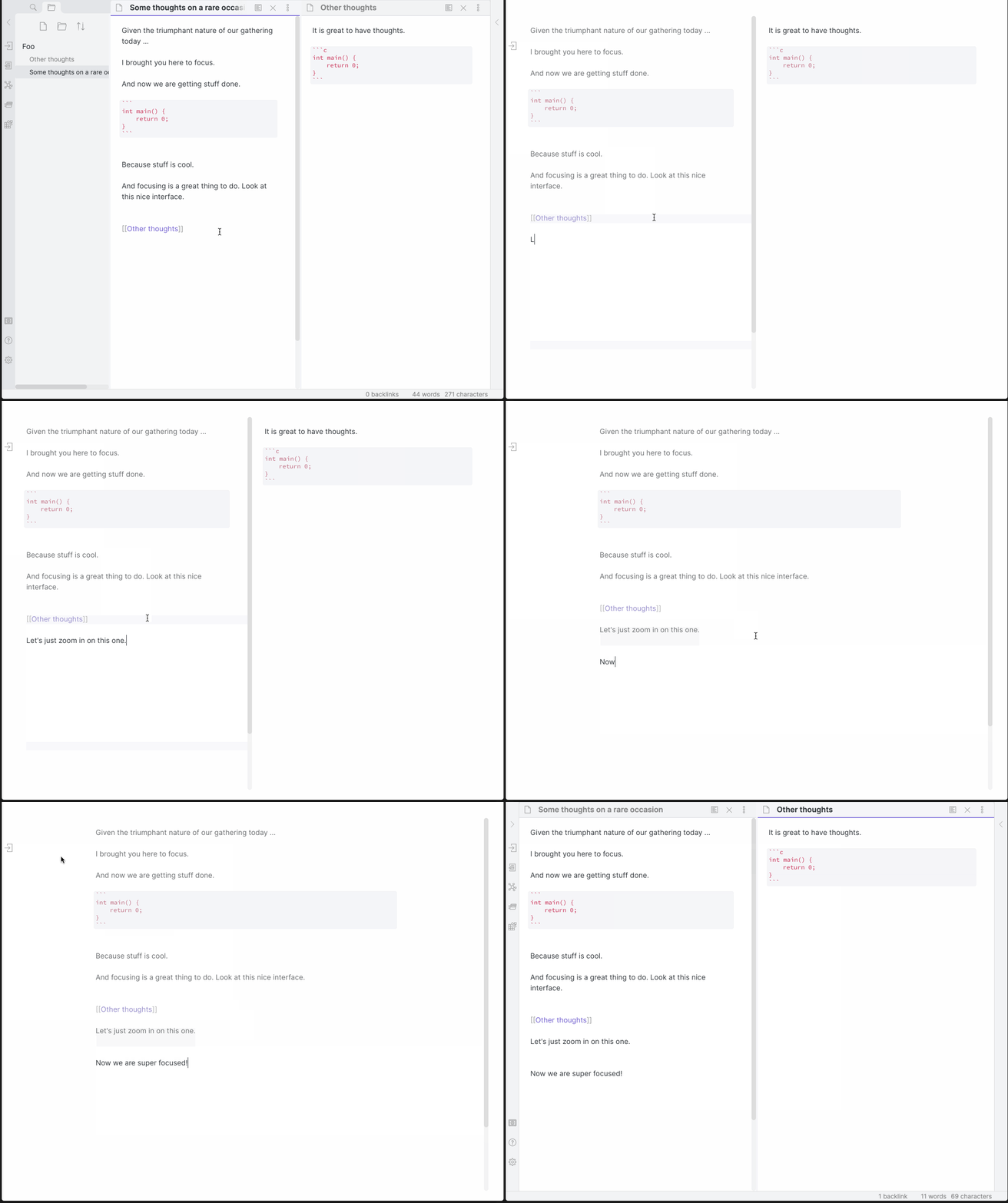
Now with Super Focus mode (Shift + Left Click), which will only focus on the active pane. The original behavior still exists on a normal Left Click.
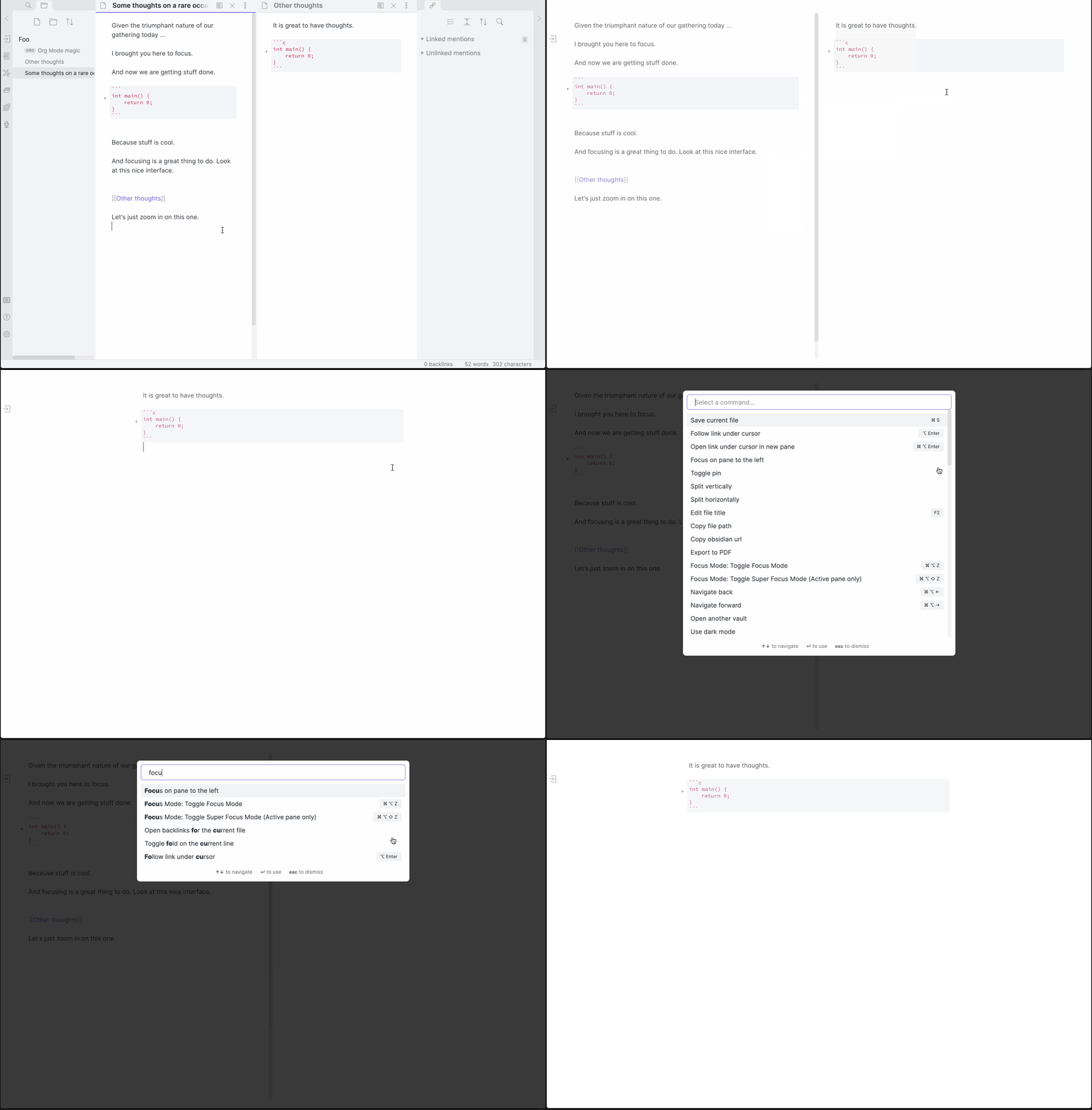
| Hotkeys | Action |
|---|---|
| Cmd/Ctrl + Alt + Z | Toggle Focus Mode |
| Cmd/Ctrl + Alt + Shift + Z | Toggle Super Focus Mode (Active pane only) |
Classes are added to document.body depending on the state. focus-mode exists in Normal and Super Focus modes, while super-focus-mode, only exists in Super Focus Mode (surprise!).
The following CSS snippet added to a vault will remove the opacity on non-active lines:
.focus-mode .cm-s-obsidian div:not(.CodeMirror-activeline) > .CodeMirror-line {
    opacity: 1 !important;
    filter: saturate(1) !important;
}- Copy over
main.js,styles.css,manifest.jsonto your vaultVaultFolder/.obsidian/plugins/obsidian-focus-mode/.